
3D PRINTING GUIDE
How to prepare an STL file for 3D printing
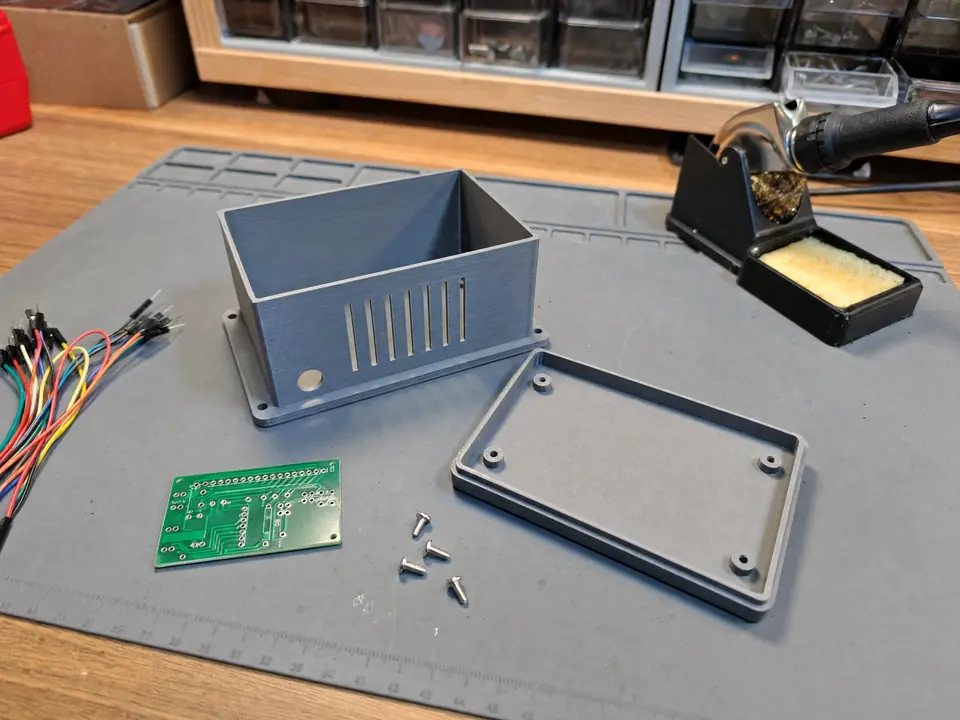
Illustrative image; not a documented customer order.
Have a 3D model and want to turn it into a physical part? A few checks before sending your files can make the quote more accurate and prevent unnecessary rework. You do not need to know slicer settings, but you should explain what the part is meant to do.
Which file format should you send: STL, 3MF, OBJ or STEP?
STL describes the surface as triangles and is widely supported, but it does not store a CAD feature history or reliably define units. 3MF can store additional model and print information, depending on the software used. STEP preserves CAD geometry and is useful when dimensions need editing. OBJ is common for surface models. Send the format you have; we can review its suitability.
1. Verify scale and units
A part designed to be 80 mm long should still measure 80 mm when imported into a slicer. STL files are particularly prone to millimetre-versus-inch errors. Include at least one reference dimension such as the overall length or the diameter of an opening.
2. Check the mesh and separate components
A printable model needs a clear, valid volume. Holes in the mesh, flipped normals, overlapping faces and unwanted internal surfaces may cause incorrect toolpaths. Multiple components should be separated or grouped intentionally. If you know the mesh is damaged, mention it rather than assuming that the slicer will repair it perfectly.
3. Think about wall thickness and small details
Very thin walls, tiny text or unsupported details may not print reliably with a given nozzle and material. Functional parts need enough material around mounting holes, clips and other stressed areas. What looks convincing on screen may be impractical to manufacture at the requested size.
4. Identify important dimensions and fits
Mark any surfaces that must mate with another part. An interference fit, sliding fit and loose clearance require different tolerances. Printed dimensions depend on the material, print orientation and geometry, so test pieces may be needed.
5. Describe how the finished part will be used
Tell us whether appearance, strength, flexibility, heat exposure or dimensional accuracy matters most. Mention the number of pieces, colour preference and any deadline. We can then select a suitable approach instead of guessing.
Before you request a quote
- Attach your STL, 3MF, STEP, OBJ or reference photograph.
- Confirm at least one critical measurement.
- State quantity and expected operating conditions.
- Identify any mating parts, clips or mounting points.
- Describe the finish and function you need.
Learn about FDM tolerances and what affects printing costs.